

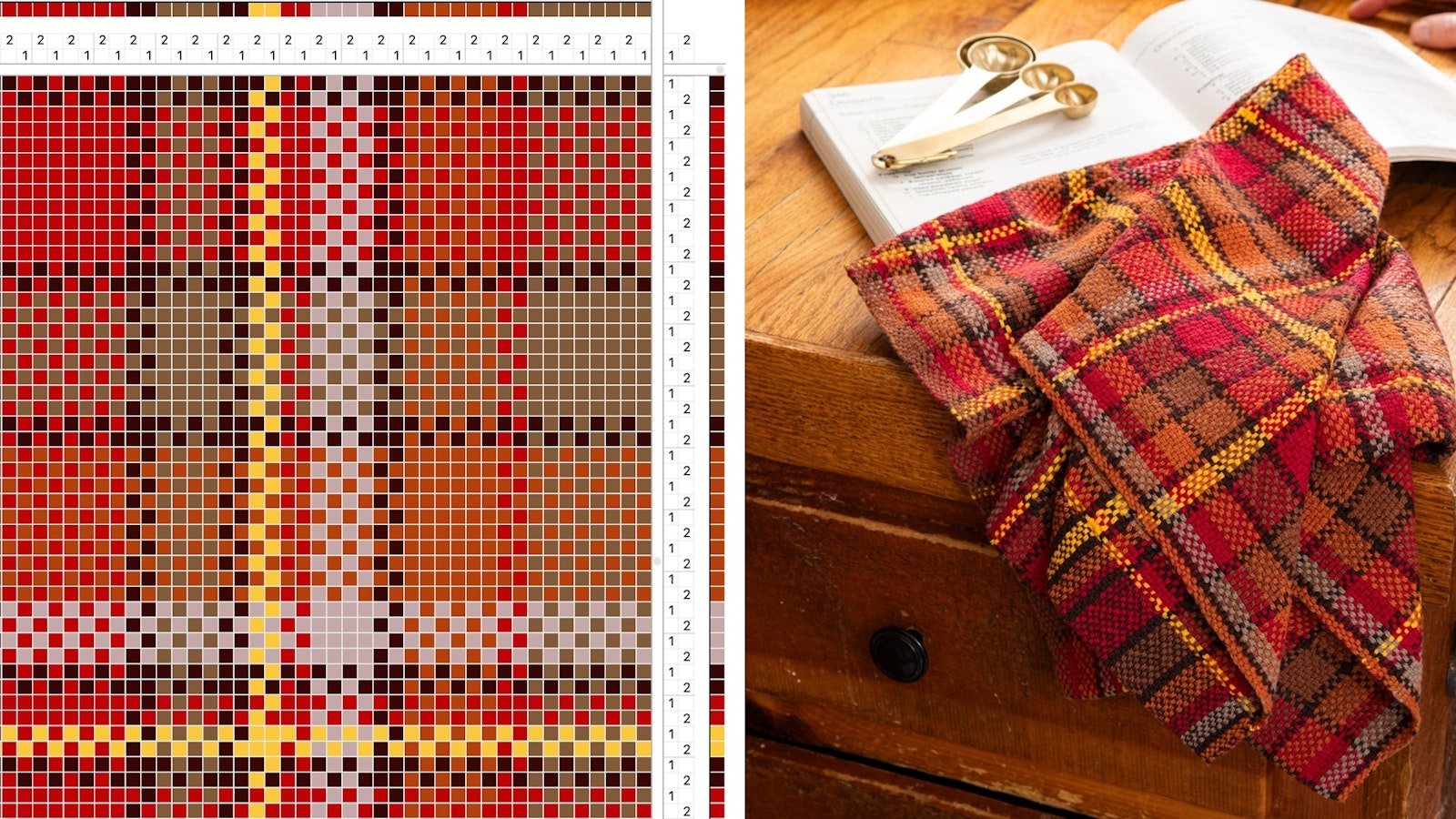
Have you ever had an idea for a weaving project but wished you could see what it would look like before you put it on the loom? Do you long for an easy way to scale patterns up or down, without using graph paper or grabbing your calculator? You can do all that and more with the wonderful weaving tool known as the WIF.
If you’ve been weaving for a while, there’s a good chance you’ve come across references to WIFs in various weaving resources. WIF stands for Weaving Information File, and it’s a non-proprietary file format for storing weaving drafts and drawdowns. If you have weaving software, you can create, open, and even edit WIFs, making it easier than ever to design cloth before you put it on your loom. Want to learn more? Let’s take a closer look at WIFs, how they work, and how they apply to rigid-heddle weaving.
WIFs and Weaving Software
I’m not going to go into detail here about the different types of weaving software and what makes each one unique, but I do want to talk a bit about how weaving software works with WIF files. First, an important note: when I’m talking about weaving software in this article, I’m specifically talking about weaving design software for multi-shaft looms.
But wait, you might be asking, why are we talking about software for multi-shaft looms when we’re working on the rigid-heddle loom? Rigid-heddle weavers can benefit greatly from these programs, so stay with me as I explain more.
There are a few software options, mostly browser-based, for other types of weaving such as inkle and tablet, but those programs do not use WIFs. Examples of multi-shaft weaving design software include:
- Fiberworks PCW
- PixeLoom
- TempoWeave
- Weaveit
- WeavePoint
- Handweaving.net. These drafting tools are a little different from the others because they work in your browser rather than requiring you to download software to your computer.
All these different types of weaving software use WIFs. You can create a WIF in one type and edit it in any of the others, so which type of software you choose depends on your personal preference and what computer or tablet you’ll be using. Many of these programs have trial versions with limited functions that let you try the program for free.
Using WIFs for Design
Once you’ve got your weaving software, you can use it to open a WIF (such as these WIFs from the Little Looms Library) or create one from scratch. When you open a WIF, you’ll see something like the image below.
- At the top, you’ll find the information on the warp, both the color order and the threading.
- On the right, you’ll see the weft information, the color order, and which shed you have open—on a multi-shaft loom this would be treadling, on a rigid-heddle loom it tells you whether the heddle is in the up or down position.
- The top right corner represents the tie-up, which tells you how each thread can be lifted. In a plain weave pattern, like the one shown here, one number represents slots and the other holes.
 In this WIF designed by Yvonne Ellsworth for her Fall 2026 article "Composing at the Loom, you can see how a fabric with a multi-colored striped warp and solid black weft might look in plain weave.
With weaving software, you can edit any of the elements mentioned above. You can change the colors; change the size by making the pattern narrower, wider, shorter, or longer; and adjust the threading and treadling. Some weaving software will even let you change thread thickness, so you can see how thick-and-thin or crammed dent patterns would look, or to make the drawdown warp- or weft-faced.
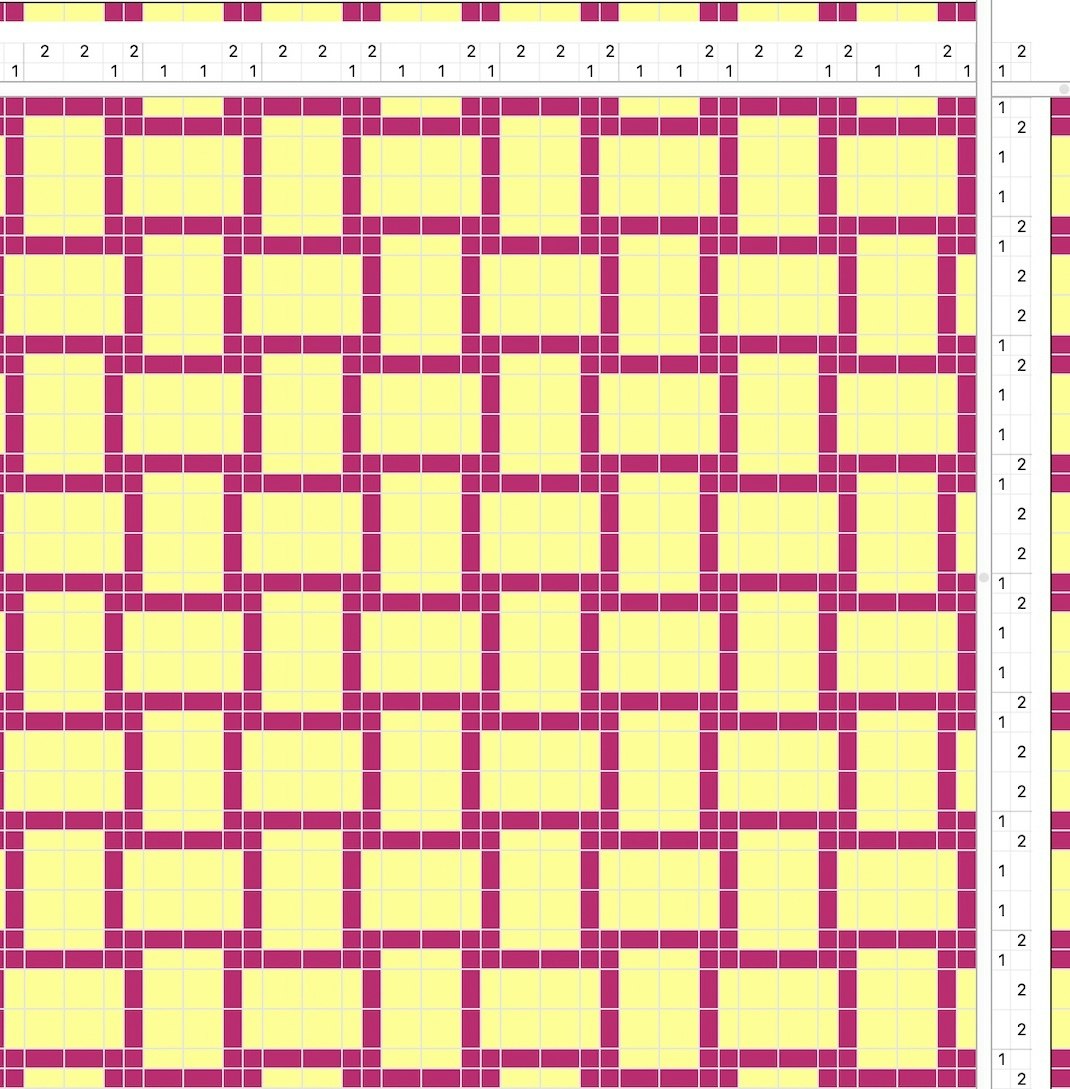
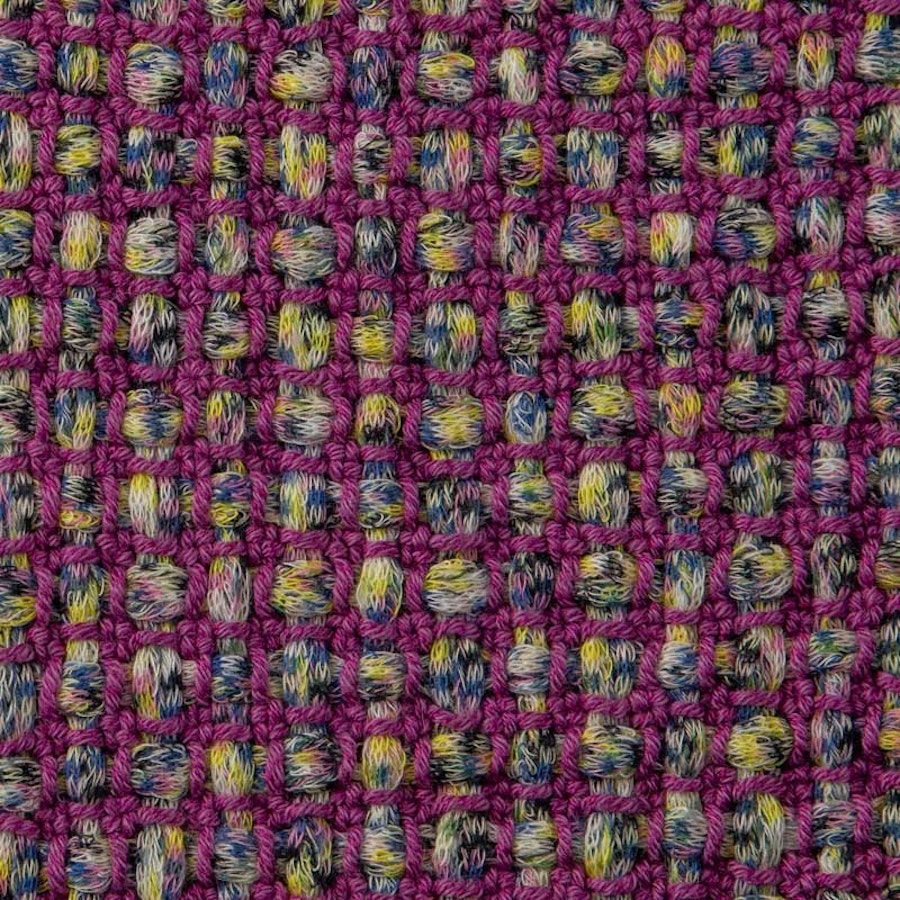
If you’re creating a WIF, you’ll start with a blank template with no drawdown. You will need to input your threading, tie-up, and treadling to see the drawdown, and then you can adjust the colors.
More to Explore
If you’re ready to start playing with WIFs, but don’t want to begin by creating your own from scratch, you can use the ones Yvonne Ellsworth created to go with her article “Composing at the Loom” from the Fall 2026 issue. TThe WIFs are free to download and are an easy way to start editing and exploring the various functions available in your weaving software. You can also find dozens of free WIFs in the Handwoven library. While many of these WIFs are for multi-shaft projects, there are quite a few plain-weave options—including the WIF for Nancy Peck’s Bumple Scarf that’s shown above.
While a WIF isn’t a guarantee of how your cloth will look after weaving, it’s a great way to try out dozens of designs before cutting a single strand of yarn.
Happy Weaving! Christina